Temp Mail for YouTube — What Actually Works in 2026
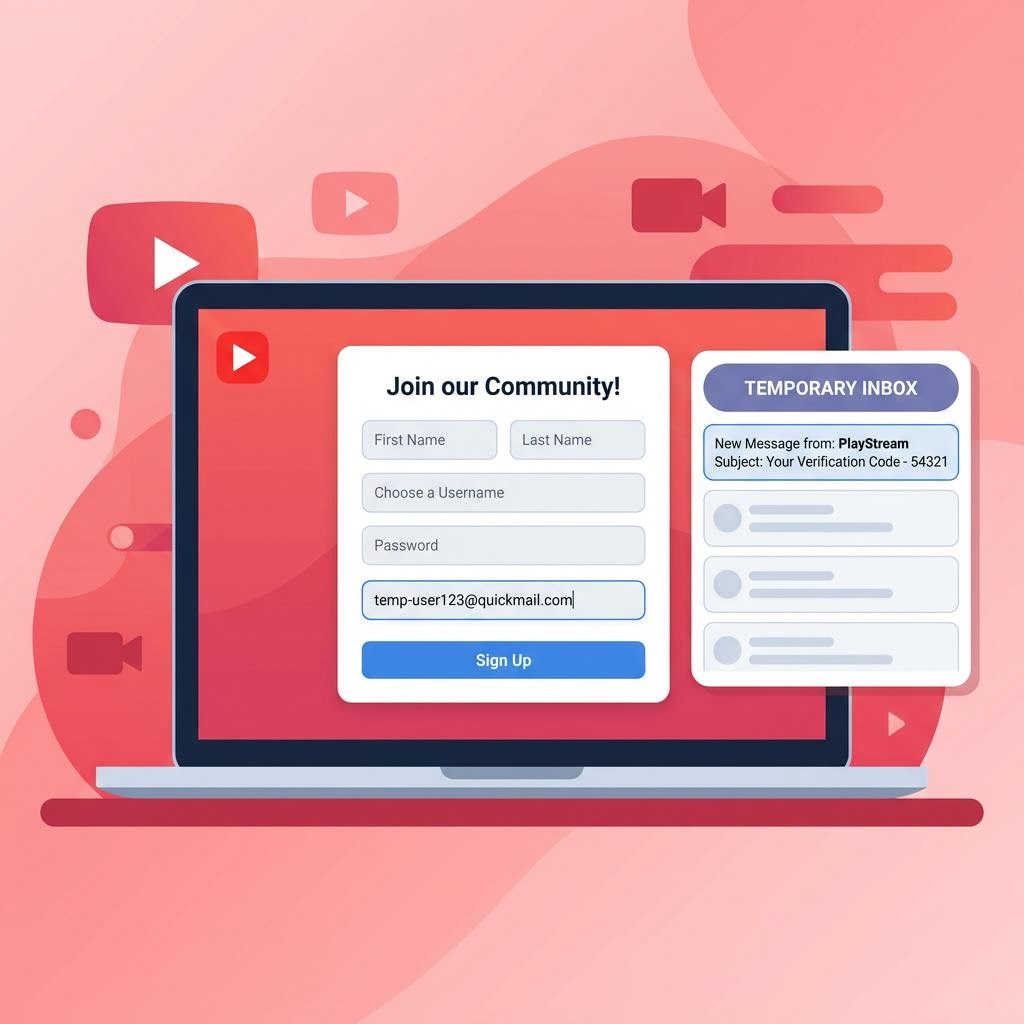
YouTube is owned by Google, and that means creating a YouTube account requires a Google account. This adds one important layer of complexity: Google's signup is stricter than most platforms when it comes to disposable email addresses. Here's the honest guide on what works, what doesn't, and what your options are.
Does YouTube Accept Temporary Email Addresses?
YouTube itself doesn't have its own email requirement — it inherits everything from Google account creation. Here's the real situation in 2026:
- Google account signup often rejects known disposable email domains, especially for new accounts
- Google may require phone verification in addition to email, regardless of which email you use
- If you already have a Google account (including a Gmail), you can use that to access YouTube without giving a separate email
- Inbox Me's addresses may work for Google signup in some cases, but Google's domain blocklist is more aggressive than most platforms
Where Temp Mail Does Work for YouTube
Even if you can't use a temp mail to create a Google account, you can use inbox Me as a secondary recovery option or to sign up for YouTube-adjacent services like YouTube newsletters, creator update emails, or third-party tools that plug into YouTube.
For signing up to YouTube Premium free trials via third-party gift card resellers or promotional landing pages (not YouTube.com directly), temp mail often works fine — those pages typically use a simple form, not Google account creation.

Step-by-Step: Attempting YouTube Signup with inbox Me
If you want to try, here's what the process looks like:
Step 1 — Generate Your Temp Email
Open inbox Me and copy your auto-generated email address. Keep this tab open.
Step 2 — Go to Google Account Creation
Go to accounts.google.com/signup. Enter a name, then on the email step, choose Use your existing email (not "Create a Gmail address"). Paste your inbox Me address here.
Step 3 — Handle Google's Verification
Google will send a verification code to your inbox Me address. Open your inbox Me tab — the code typically arrives within 60 seconds. Enter it on the Google page.
Step 4 — Watch for Phone Verification
This is where many users hit a wall: Google may then require a phone number for additional verification, especially for new accounts. This is Google's anti-abuse system and is not bypassed by email choice.
If Google asks for a phone number: this is separate from your email — you must enter a real phone number to proceed. Using a temp mail didn't cause this; Google asks for it based on its own risk scoring.
Step 5 — Complete Account Setup
If you make it through email + phone verification, your Google account (and YouTube access) is created. Your inbox Me address is now the recovery email on file.

Why You Might Still Want Temp Mail for YouTube
Even if the signup process requires a real phone number, there are good reasons to use inbox Me alongside a YouTube account:
Protecting Your Real Email in Creator Tools
Many third-party YouTube tools — analytics dashboards, thumbnail generators, SEO tools — ask for your email at signup. Use inbox Me for these to keep your main inbox clean.
Signing Up for YouTube Newsletters
YouTube's own creator newsletters and many YouTube-adjacent blogs ask for email addresses. inbox Me is perfect for these — get the content, skip the spam.
Testing a YouTube Channel Without Personal Exposure
If you want to test running a channel (upload, analytics, settings) without tying it to your personal Google account, create a separate Google account using inbox Me for the email step and a VoIP number for phone verification. This keeps the test account clean and separate.

Important: What Happens When Your Temp Mail Expires
If your Google account has your inbox Me address as the recovery email and that session expires:
- Google password reset via email will not work
- Google may require identity verification (phone, backup code, or account recovery form)
- You won't receive Google/YouTube security alerts
Recommended: Add a phone number to your Google account (accounts.google.com → Security) immediately after creation. This gives you a recovery method that doesn't depend on the temp email.
Frequently Asked Questions
Does Google block temporary email addresses?
Google's signup blocks many known disposable email domains, but not all. inbox Me's domains work on a case-by-case basis. If your temp email is rejected, Google will say the email address is invalid or not supported.
Can I use temp mail to bypass YouTube phone verification?
No. Phone verification is a separate Google anti-abuse check — it's not connected to your email type. Some accounts require it; others don't, based on Google's risk scoring.
Can I use inbox Me for YouTube Premium free trial?
YouTube Premium requires a Google account and a payment method. The temp mail works at the email step, but if Google also requires phone verification, that must be handled separately.
What's the best use of temp mail with YouTube?
Use inbox Me for the dozens of third-party YouTube tools and newsletters — not for the Google account itself. This keeps your real inbox clean while you access YouTube normally.
Related Guides on inbox Me
- Temp Mail for Google AI Studio — how Google's AI platform handles disposable email
- Temp Mail for Gmail Aliases — when an alias works better than temp mail
- Sign Up for Free Trials Without Spam
- Protect Your Real Email Address
- Temp Email for Social Media Signups