Temp Mail Not Working? Every Cause and Fix Explained
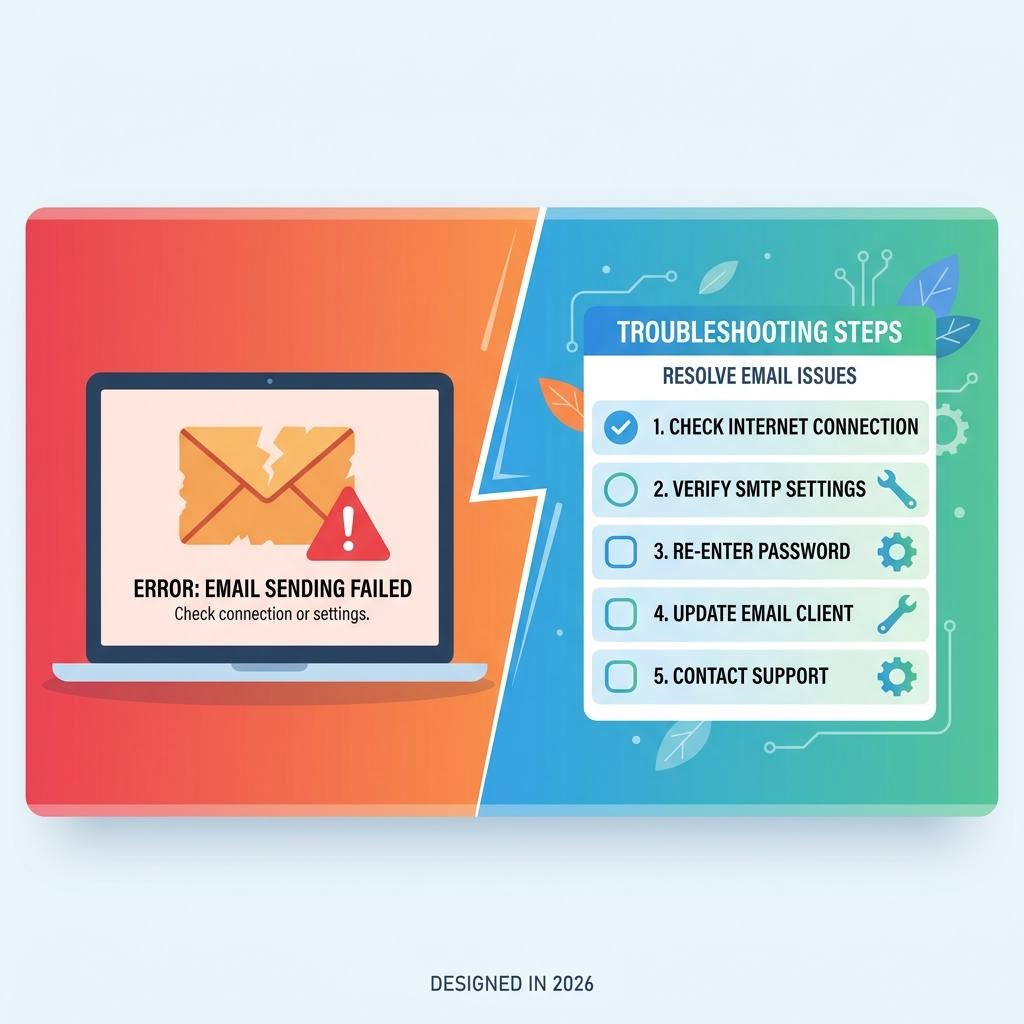
You paste your temp email into a signup form, go back to your inbox, and… nothing. No verification email. No code. You wait, refresh, wait again. It's one of the most frustrating things about using disposable email — and it almost always has a simple explanation.
Here are every reason temp mail stops working, and the fix for each one.
Reason 1: The Website Blocked Your Temp Mail Domain
This is the most common cause. Many websites maintain a blocklist of known disposable email domains. When you enter a temp email address, the site checks the domain against its list and either rejects it outright or silently refuses to send the verification email.
How to Know If This Is the Problem
Signs the domain is blocked:
- The site shows an error like "Please use a valid email address" or "Email not accepted"
- The site appears to accept the email but no message ever arrives, even after 5+ minutes
The Fix
Change your temp email domain. On inbox Me, tap the "change" button to get a new address with a different domain. Try a few different domains — inbox Me rotates across multiple receiving domains, so one of them will almost always pass the site's filter.
If the site explicitly shows "disposable emails not allowed," the site is using a real-time detection API. In that case, see Reason 4 below.

Reason 2: The Verification Email Is in a Delay
Some websites batch their outgoing emails or go through email delivery services that queue messages. What looks like a broken inbox is often just a delay.
How Long Should You Wait?
- Most platforms: Under 30 seconds with inbox Me (auto-refreshing)
- Some slower platforms: 1–3 minutes
- Gmail, Microsoft outbound servers: Occasionally 3–5 minutes during high load
The Fix
Wait up to 5 minutes before assuming the email is missing. inbox Me auto-refreshes the inbox — you don't need to manually reload. If nothing arrives after 5 minutes, try requesting the verification email again from the website (most have a "Resend" button).

Reason 3: You Closed the Tab or the Session Expired
Temp mail sessions are tied to your browser tab. If you:
- Closed the inbox Me tab
- Cleared cookies or browser data
- Switched browsers
- Let the session time out
...the inbox is gone. Any emails that arrived after you closed the tab are no longer accessible.
The Fix
Always keep the inbox Me tab open while waiting for verification emails. If you've already closed it:
- Open a new inbox Me session — you'll get a new address (the old one is gone)
- Go back to the website and either start the signup again with the new address, or use the "change email" option if the site offers it

Reason 4: The Site Uses a Disposable Email Detection API
Some websites pay for real-time disposable email detection services (like ZeroBounce, NeverBounce, or Kickbox). These services check whether a domain is known to be disposable before the form even submits.
Signs This Is Happening
- The error appears the moment you type or paste the email — before you even submit
- The error message specifically says "disposable," "temporary," or "free email not allowed"
The Fix
No temp mail service is immune to these APIs — they update their lists continuously. Your options:
- Try a different inbox Me domain (tap change multiple times) — newer domains may not be on the list yet
- Use inbox Me's longest-running domains — older domains sometimes aren't flagged
- Accept that this site requires a real email and use an email alias service instead for long-term accounts
Reason 5: The Email Went to the Website's Spam Queue
Sometimes the issue isn't the inbox — it's the sender. Verification emails from some websites are marked as spam by email providers, and some temp mail services filter or reject spam-flagged mail before it reaches your inbox.
The Fix
inbox Me does not filter incoming emails — all mail that reaches your domain is displayed, regardless of spam classification. If this is the issue, it's a problem on the sender's side. Try requesting the verification email again; sometimes a retry clears the spam flag.
Reason 6: You Entered the Address With a Typo
Simple but common. A mistyped email address (like user@inboxme.spce instead of inboxme.space) will never deliver.
The Fix
Always use the copy button in inbox Me rather than typing the address manually. This eliminates typos entirely.
Reason 7: The Temp Mail Domain Itself Is Down
Like any service, temp mail domains occasionally have technical issues — DNS propagation problems, MX record errors, or server downtime.
The Fix
Generate a new inbox Me address. Each time you tap "change" or generate a new session, you may get a different domain from the pool. If one domain is experiencing issues, another one will work.
Quick Fix Checklist
If temp mail isn't working, go through this in order:
- ✅ Wait 5 minutes — many delays resolve themselves
- ✅ Hit "Resend" on the website
- ✅ Check you copied the email correctly (use the copy button)
- ✅ Change your inbox Me domain (tap "change") and try again
- ✅ Try a different browser or incognito/private window
- ✅ Clear browser cookies and generate a fresh inbox Me session
- ✅ If the site blocks all disposable domains, try a different inbox Me domain or accept the site needs a real email
Frequently Asked Questions
Why is my temp mail not receiving emails even after 10 minutes?
Most likely cause: the domain is blocked, or the site never sent the email. Try changing your inbox Me domain and re-submitting the signup.
Can I recover emails from an expired temp mail session?
No. Once the session closes, the inbox is gone. Always keep the tab open until you've received and used the verification email.
Does inbox Me support all email types (HTML, plain text, attachments)?
Yes — inbox Me displays all standard email formats including HTML emails with buttons and links, plain text emails, and emails with attachments.
Why does some websites say "disposable emails not allowed"?
The site uses a blocklist or real-time detection API. Try a different inbox Me domain — rotating domains often bypass these checks.
Related Guides on inbox Me
- How Long Does a Temporary Email Last?
- Receive OTP Verification Codes Safely
- Is Temporary Email Safe?
- Common Myths About Temporary Email
- What Is Temporary Email?