Temp Mail for Apple ID — What Works, What Doesn't, and What You Need to Know
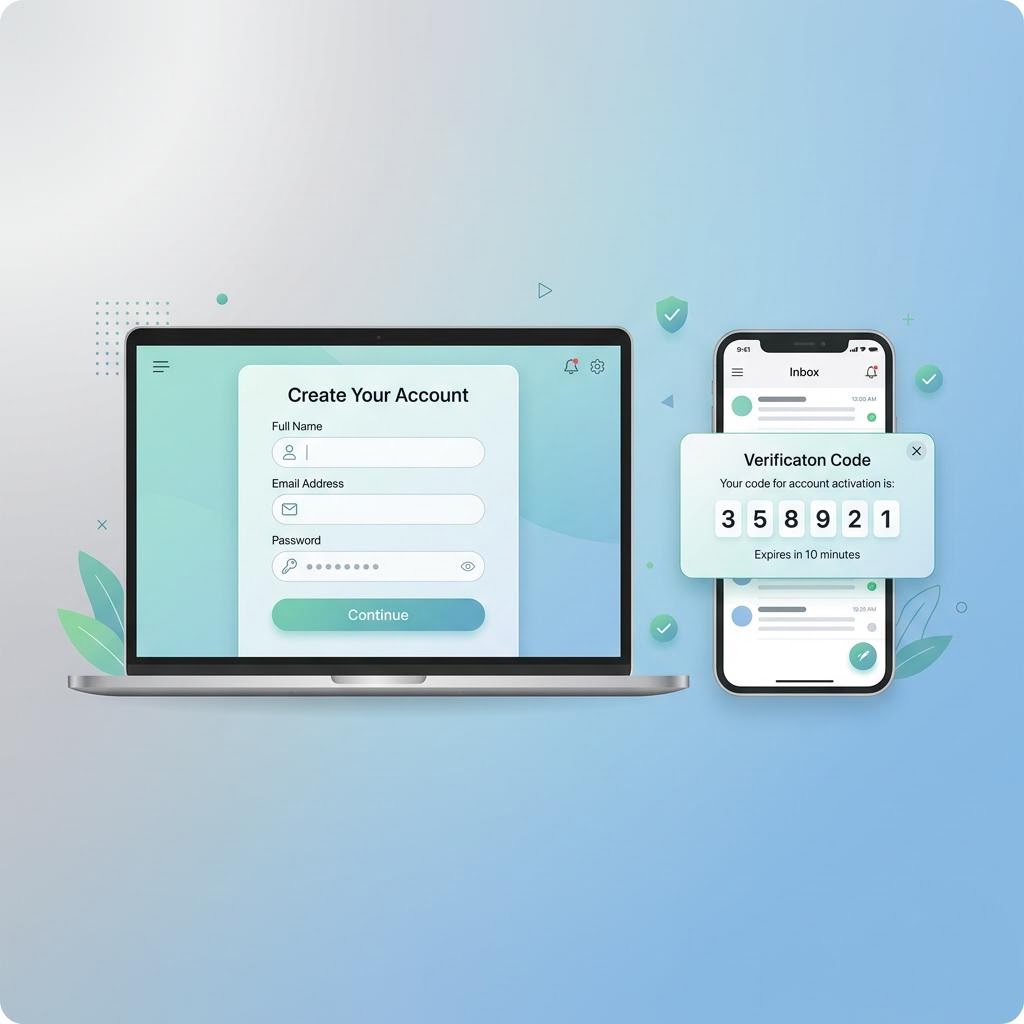
An Apple ID is your passport to the App Store, iCloud, FaceTime, iMessage, and every Apple device and service. Apple's email verification is stricter than most platforms — but a temporary email can still work for creating an Apple ID in 2026. Here's exactly what happens at each step.
Does Apple Accept Temporary Email Addresses for Apple ID?
Apple's stance on third-party email addresses for Apple ID creation is nuanced:
- Apple does accept third-party, non-Apple email domains (like inbox Me addresses) for Apple ID creation — this is called "bringing your own email" as opposed to using an @icloud.com/@me.com/@mac.com address
- Apple sends a 6-digit verification code to confirm the email address at signup
- inbox Me receives Apple's verification codes consistently within 60 seconds
- Apple does run checks on email domains, and some known disposable domains are blocked — this is more aggressive than many platforms
The Domain Check Reality
Apple has tightened its domain checks over time. Whether a specific inbox Me address works depends on which domain is assigned at the time:
- If inbox Me's current domain is on Apple's blocklist, you'll see "This email address is not valid" or a similar error
- If the domain passes, the verification code arrives and signup proceeds normally
- inbox Me rotates its domain pool — if one is blocked, generating a new address (which may use a different domain) often resolves it
Apple ID vs iCloud Email
If you want an @icloud.com email address, that's created by Apple and you cannot use a temp email for it — Apple creates it for you as part of the Apple ID process. Using a temp email applies to the "non-Apple email" path, where you use an outside email address as your Apple ID.

Step-by-Step: Create an Apple ID with inbox Me
Step 1 — Generate Your Temp Email
Open inbox Me and copy your auto-generated email address. Keep this tab open throughout the process.
Step 2 — Go to Apple ID Creation
On an Apple device: Settings → Sign in to your iPhone/iPad → "Don't have an Apple ID?" → Create Apple ID.
On the web: appleid.apple.com → Create Your Apple ID.
Enter your name, date of birth, then select Use a current email address and paste your inbox Me address.
Step 3 — Enter the Email Verification Code
Apple sends a 6-digit verification code immediately. Switch to your inbox Me tab — the email arrives within 60 seconds. Enter the code on Apple's page to confirm the email.
If Apple says the email is invalid or not accepted: your current inbox Me domain may be on Apple's blocklist. Click "Change email" in inbox Me to generate a new address on a different domain, and try again.
Step 4 — Handle Phone Verification
After email verification, Apple sends an additional 6-digit code to a phone number you provide. Apple requires a phone number during Apple ID creation — this is mandatory and separate from the email step. You must provide a real (or VoIP) phone number to continue.
Step 5 — Complete Apple ID Setup
Set your security questions and agree to Apple's terms. Your Apple ID is now active and tied to your inbox Me address.
Step 6 — Immediately Address the Recovery Risk
Apple ID recovery is primarily email-based. Before your inbox Me session expires:
- Set a strong, unique password and store it securely
- Go to appleid.apple.com → Security → Add a trusted phone number if you haven't already
- Consider going to Settings → iCloud → Account → Recovery key to generate an offline recovery option

Why Use Temp Mail for Apple ID?
App Store Access Without Personal Email
If you want to download apps, purchase from the App Store, or test an app you're developing without using your primary email, a temp-mail Apple ID creates a clean separation.
Testing Apple Developer Tools
If you're building iOS or macOS apps and need to test with multiple Apple IDs — for different App Store regions, for purchase testing, or for simulating different user accounts — inbox Me addresses let you create test Apple IDs without using up real email addresses.
Protecting Your Inbox from Apple's Marketing
Apple sends product announcements, Apple News summaries, App Store deal emails, and other marketing to the email on your Apple ID. A temp email stops all of this.

Important Considerations for Apple ID + Temp Mail
Apple ID is extremely recovery-dependent: If you forget your Apple ID password, Apple's recovery path goes through your registered email. Losing access to your inbox Me session makes this recovery impossible via email — you'd need a trusted device, a trusted phone number, or your recovery key.
iCloud data loss risk: If you store photos, documents, or other data in iCloud tied to a temp-mail Apple ID and later lose access to the account, your data may become inaccessible.
Payment methods: Linking a payment method (for App Store purchases) to a temp-mail Apple ID is possible, but your receipts and billing alerts will go to an inbox that may expire.
Family Sharing: Signing up for Family Sharing with a temp-mail Apple ID means invitations and notifications go to the temp inbox.
Frequently Asked Questions
Does Apple send a code or a link to verify email for Apple ID?
Apple sends a 6-digit verification code to your email. You must enter it on the Apple sign-up page within a few minutes.
Can Apple detect temp mail addresses at signup?
Apple runs more aggressive domain checks than most platforms. Some disposable email domains are blocked. If your first inbox Me address is rejected, try generating a new one — inbox Me rotates its domain pool, and a new address may use a domain Apple accepts.
Does Apple require a phone number even if I use temp mail?
Yes. Apple requires phone verification for Apple ID creation regardless of which email you use. This is separate from the email verification step.
What happens if I forget my Apple ID password and my temp mail is expired?
Recovery options are: a trusted phone number, a trusted Apple device already signed in, or a recovery key. If none of these are available, you must go through Apple's account recovery process (iforgot.apple.com), which can take days.
Can I update my Apple ID email to a real address later?
Yes. Go to appleid.apple.com → Personal Information → Edit the Apple ID field. Changing the Apple ID email requires verification of the new address — use your real email when making this switch.
Related Guides on inbox Me
- Temp Mail for Discord — gaming and community platform guide
- Temp Mail for Spotify — subscription service temp mail guide
- Is Temporary Email Safe?
- Can Websites Detect Temp Mail?
- Protect Your Real Email Address